












NASA’s Eyes software: August release notes
On August 4, 2026, a major update to Eyes on the Solar System was released that included full Mars terrain. Now you can land on the surface of Mars and explore the entire planet if you are on a desktop or laptop computer. To use the feature anywhere in the application, just hit “k” on your keyboard and you will see a message that you are entering free-fly mode. You can use the mouse to click and drag the view, and when you are positioned in the direction you wish to travel, use the W, A, S, and D keys to move around. If you hold the Shift key while pressing those keys, you will go much faster. You can also use the Q/E and Z/C keys to move up and down, and to roll the camera view, respectively.
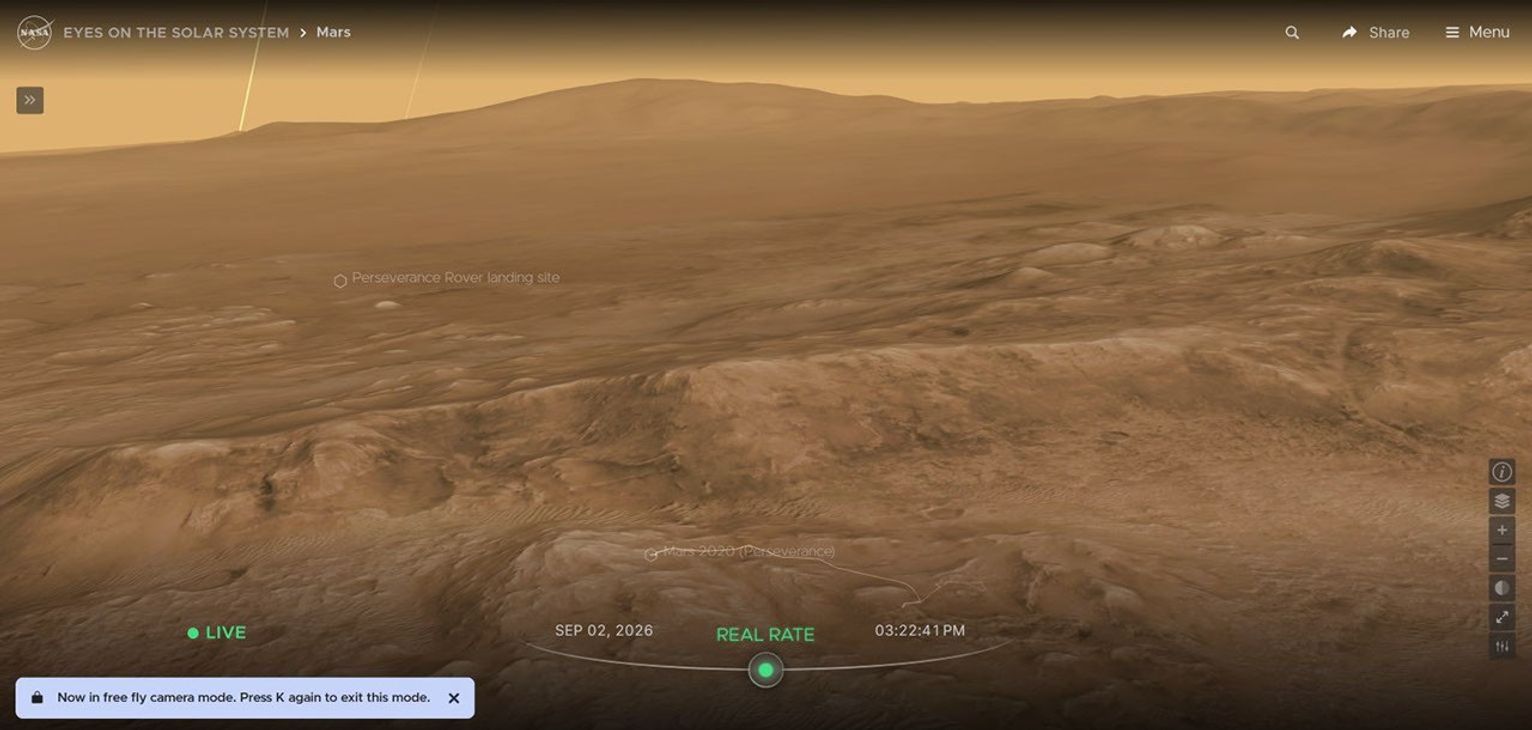
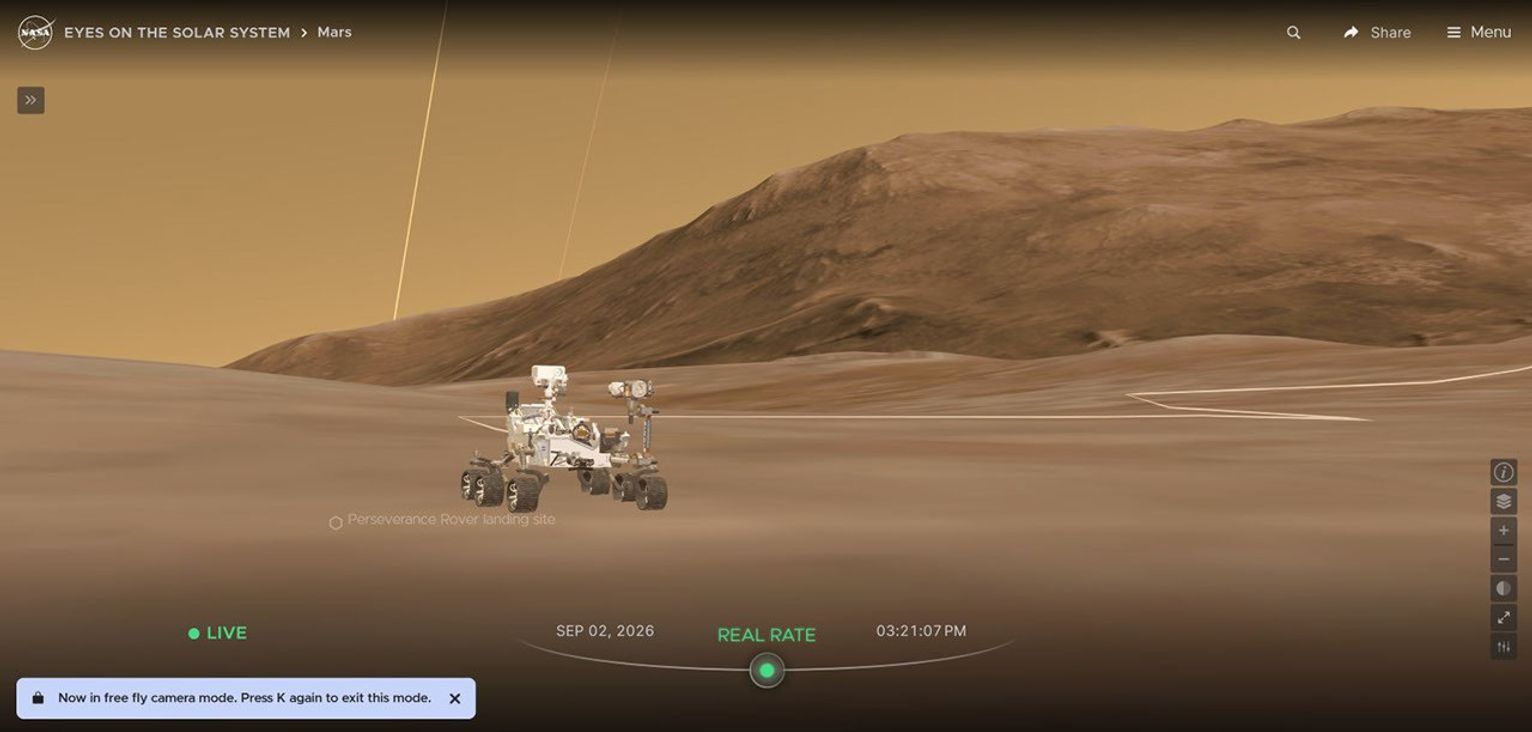
The new free-fly mode works anywhere in the Solar System at any time. You can fly throughout space and visit every single object that exists in the application. To exit free-fly mode, just press the “k” button again.
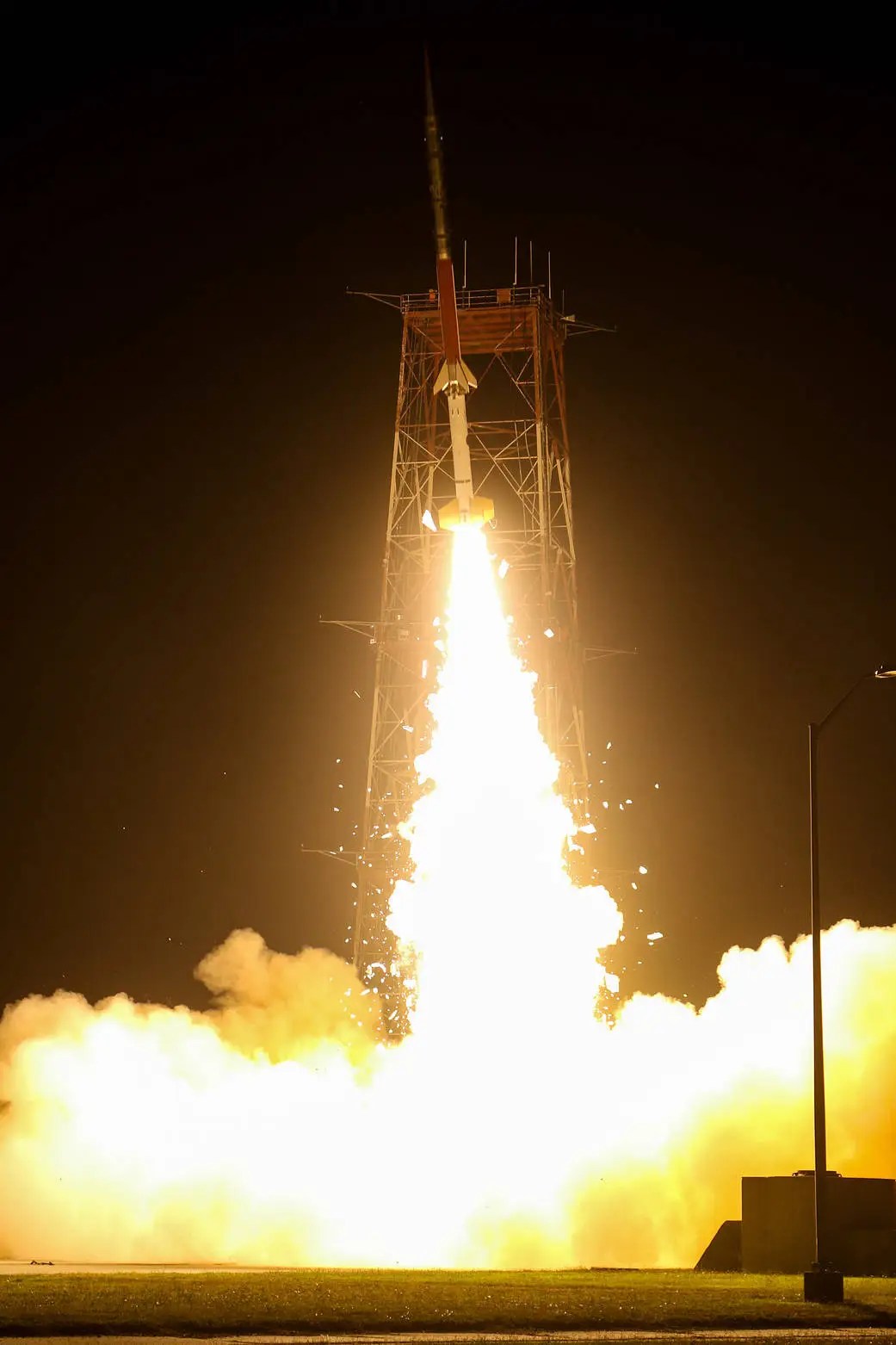
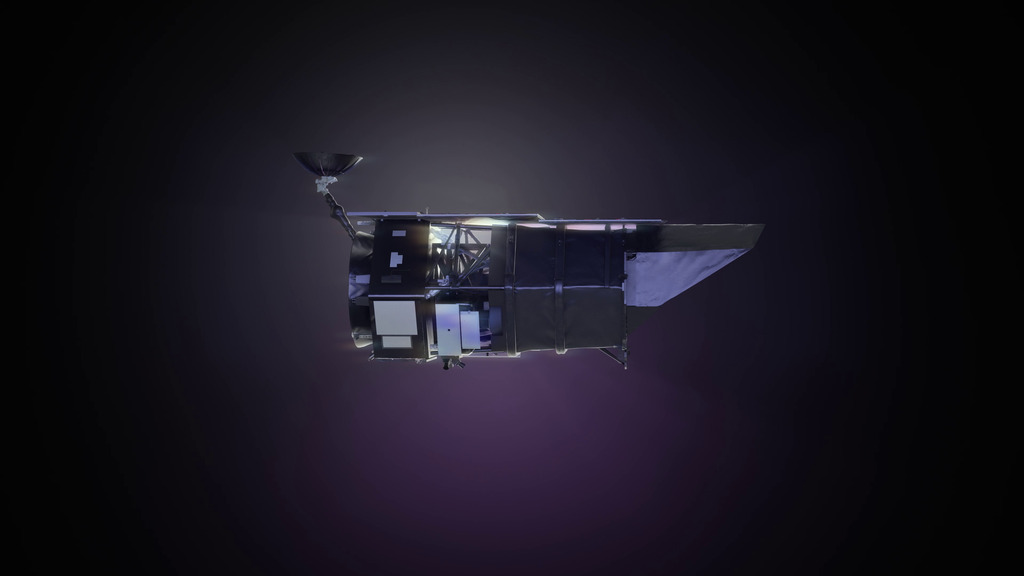
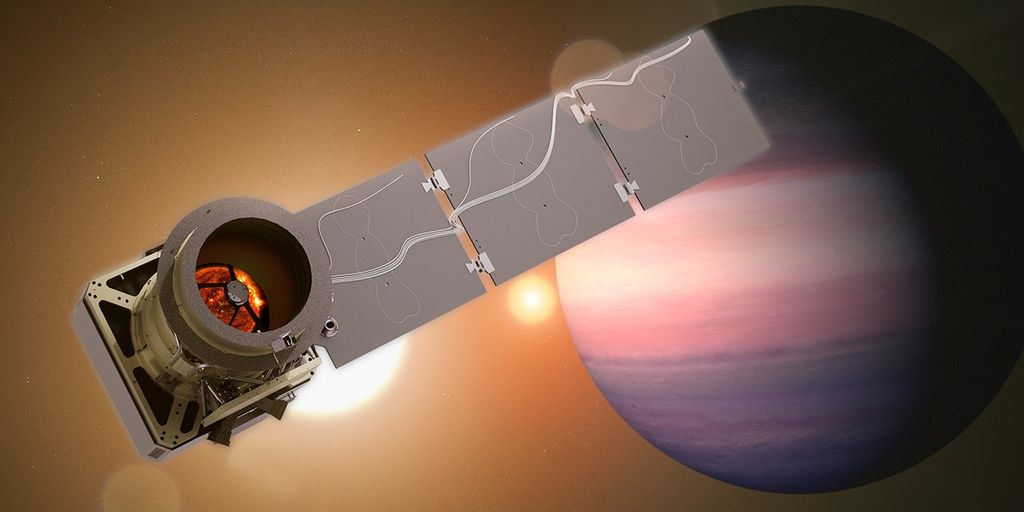
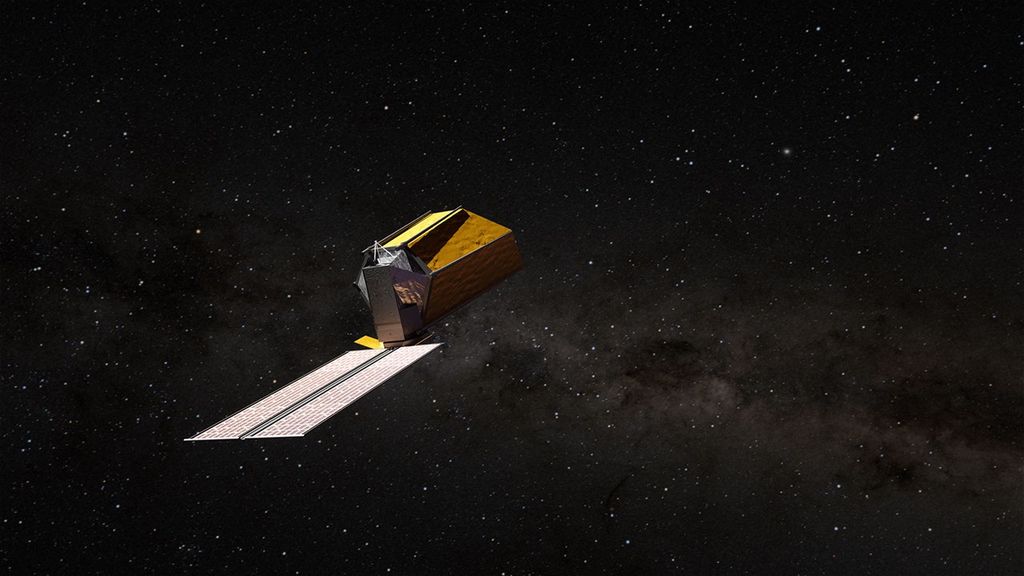
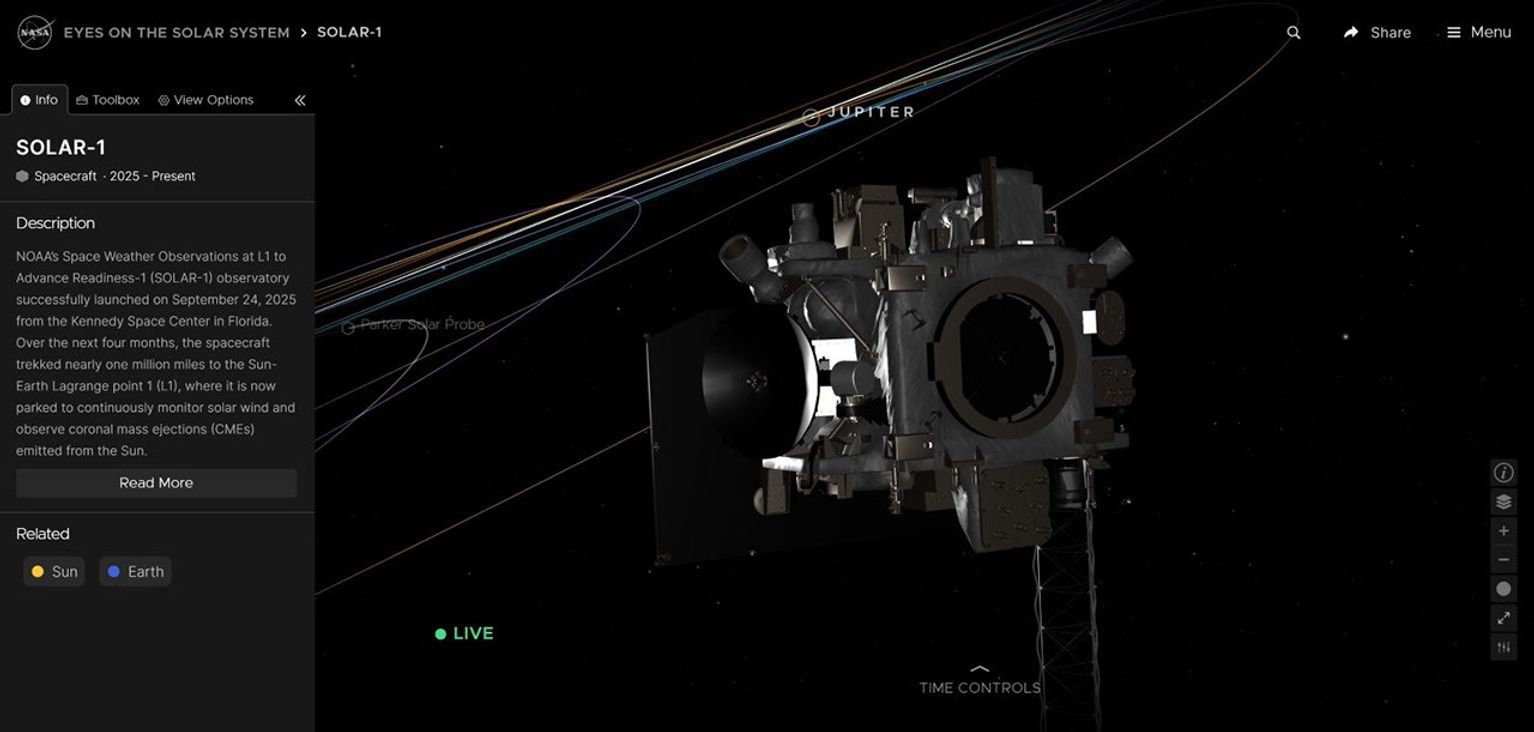
In addition to the free-fly mode, we also added the Roman Space Telescope in advance of the launch, and then updated the trajectory on launch day, August 30, 2026. We also added the SOLAR-1 spacecraft, as well as Lagrange points L1 and L2, which you can now visit.
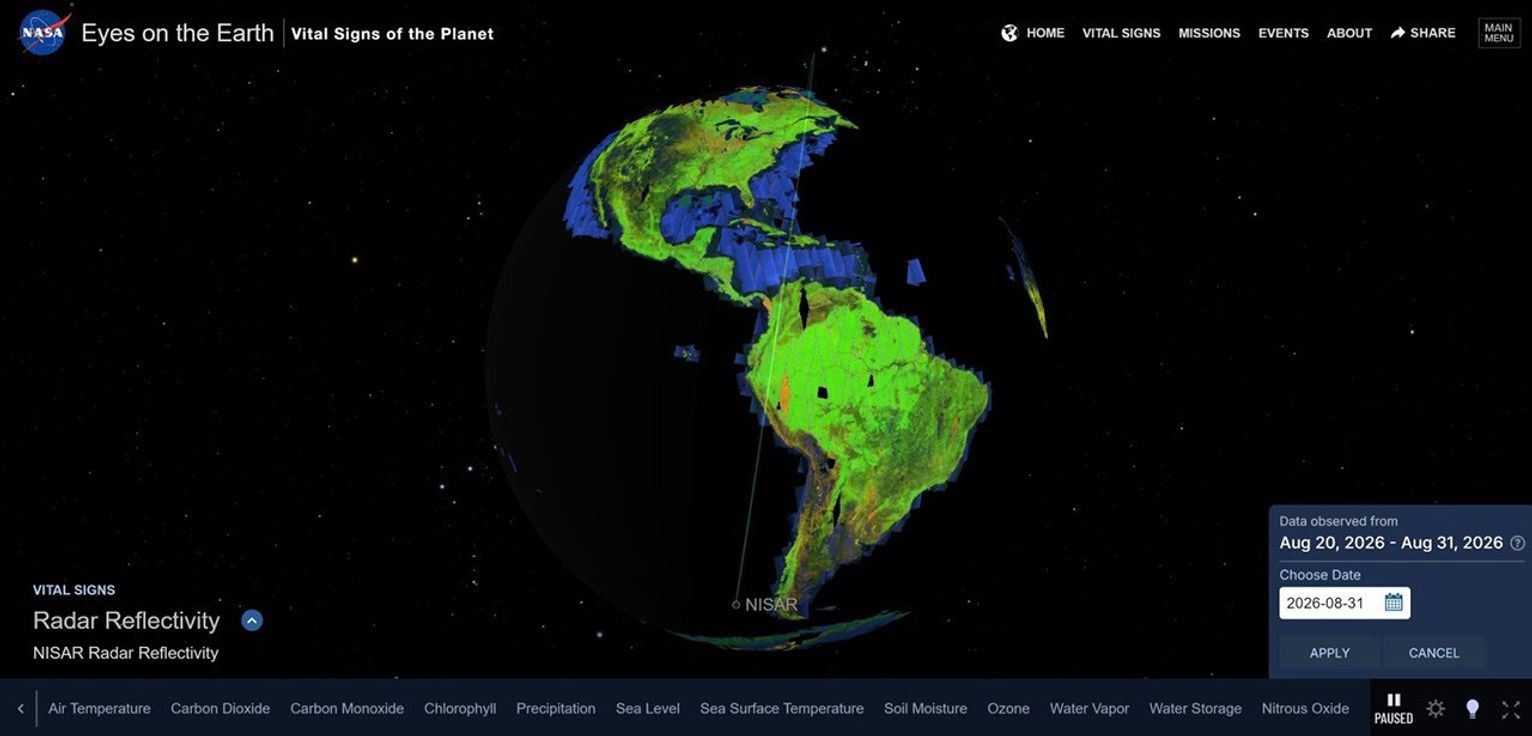
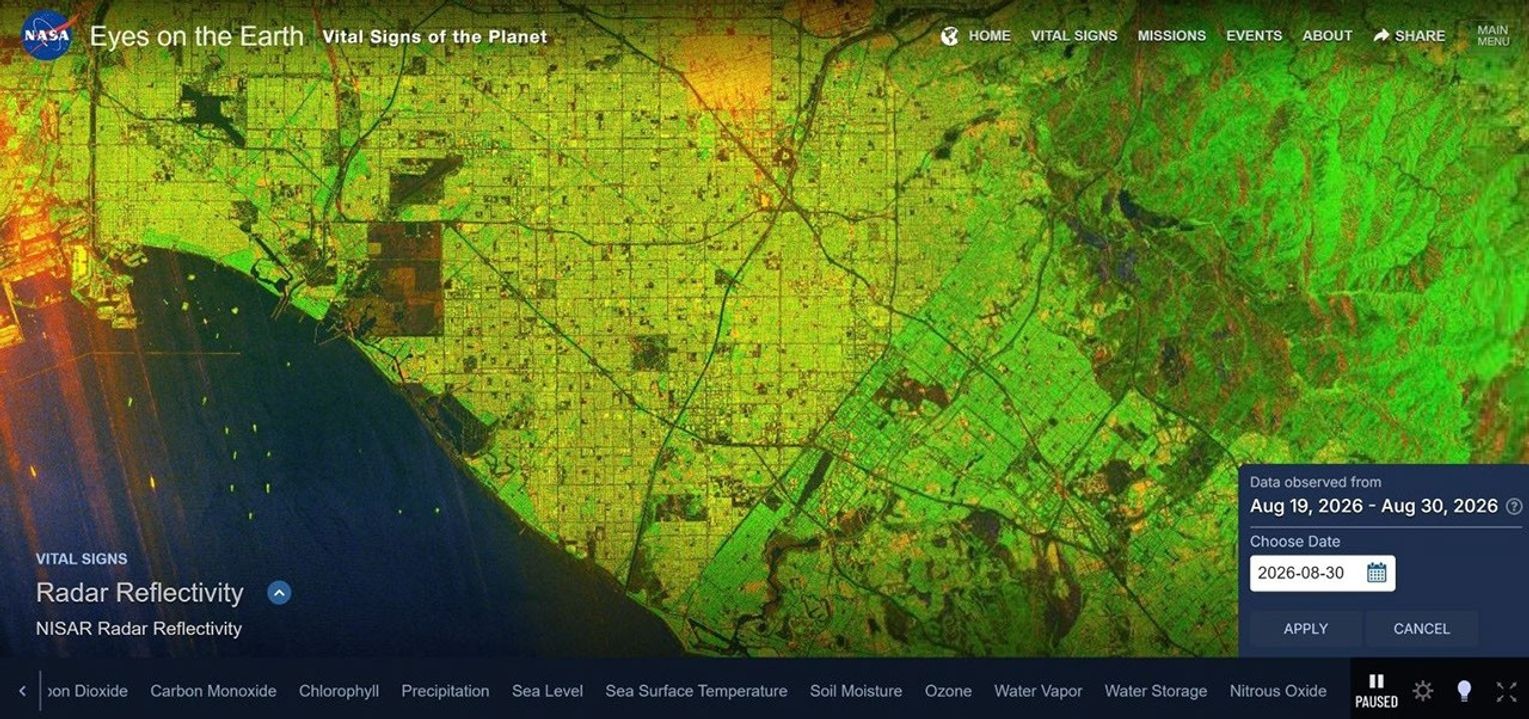
In addition to Eyes on the Solar System, the Eyes team also released a major new dataset in Eyes on the Earth. On August 31, 2026, the NISAR mission’s radar reflectivity map was added to the application. This is the single highest resolution dataset that has ever been added to Eyes on the Earth, showing a rolling 12-day radar reflectivity map at 15 meters per pixel. At that resolution, you can see individual cargo ships in the major ports of the world.
And finally, here’s a video tutorial that shows you how to use all the new features, step by step.
