













NASA’s Eyes software: July release notes
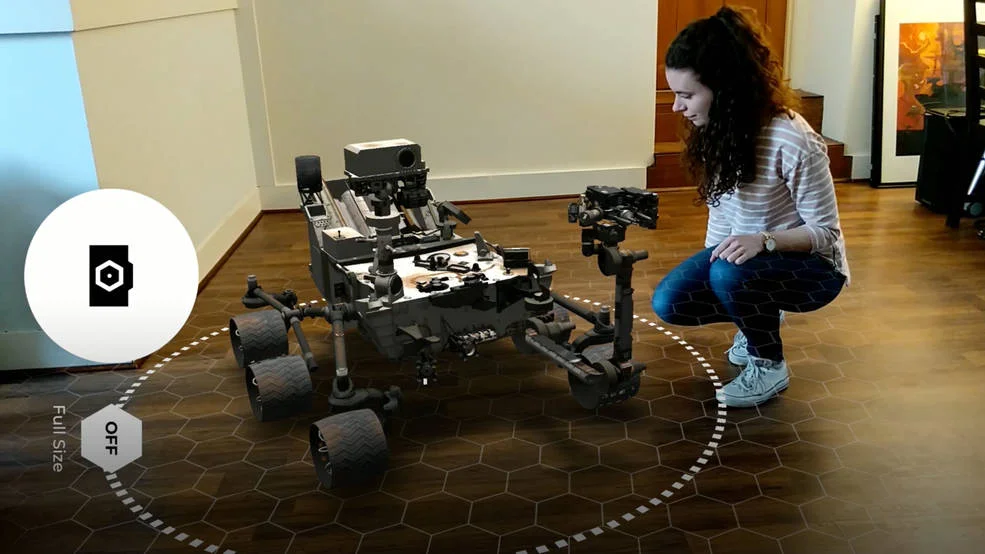
The Eyes team has many significant upgrades underway, but in the month of July we only updated our augmented reality mobile app Spacecraft AR and released it to the Google Play and Apple App stores. This update included mostly internal bug fixes and upgrades.
If you are unfamiliar with the app, you can download and install it here. Once installed, you can navigate through the menu which includes categories like Earth, Mars, Planetary, Launch, and Other. From the sub-menus, select the mission you would like to put on any nearby surface.
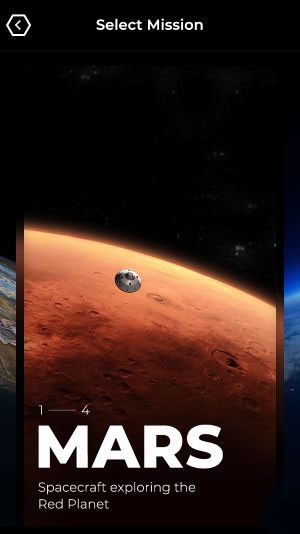
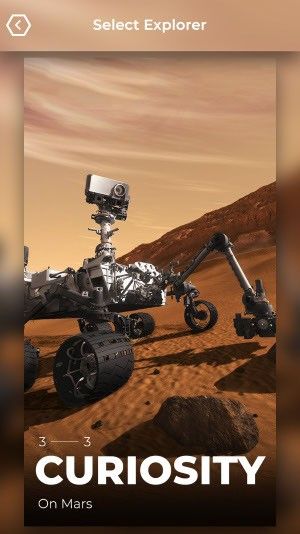
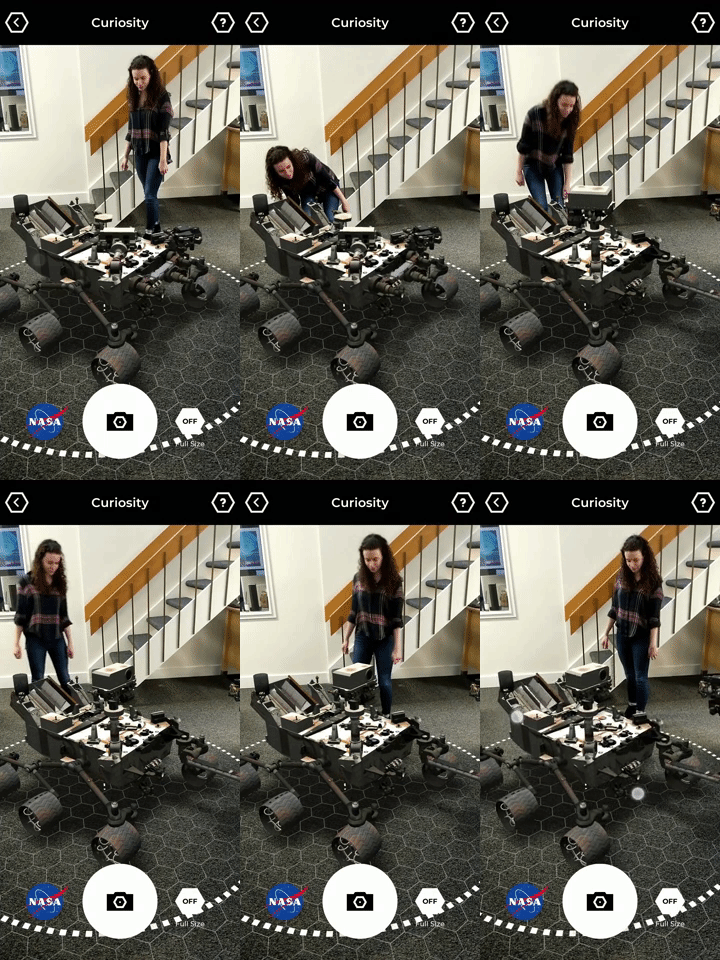
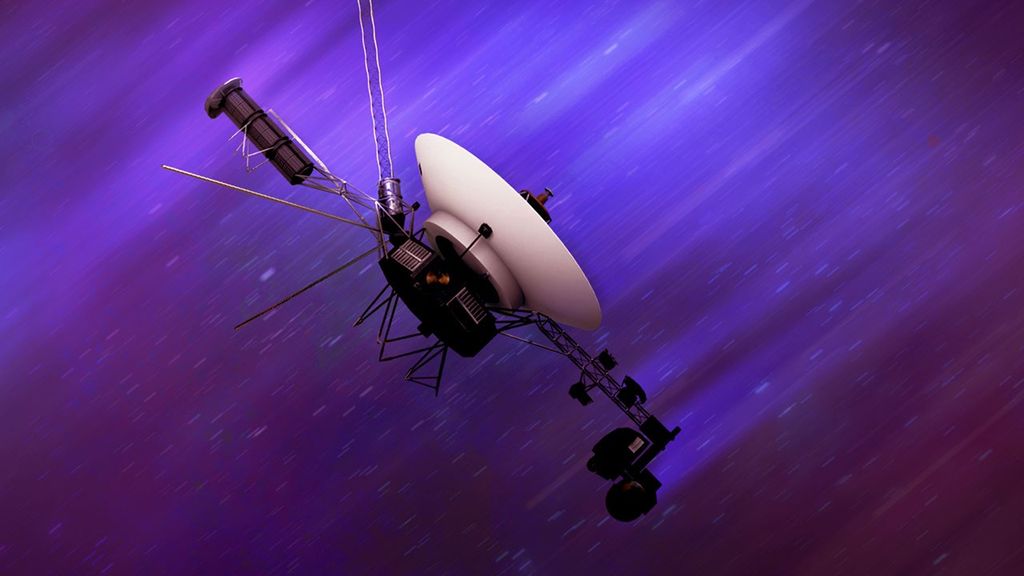
You can select from such spacecraft as Perseverance, Cassini, Voyager, the International Space Station, NISAR, SWOT, Landsat 9, InSight, Ingenuity, Opportunity, Psyche, Juno, and many more. You can place them on any local surface, size them up or down, and move them across your floor through your phone.
